Click here to download the mobile app. Once the app is downloaded to your android mobile device, please follow the instructions below for installation.
Installation instructions
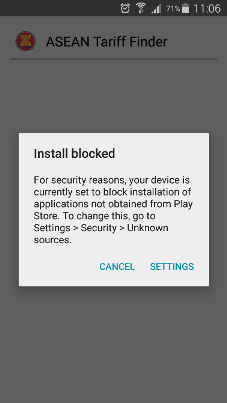
Open the downloaded APK file on your android mobile device. A message will show with a title of "Install blocked". Click the "SETTINGS" link.
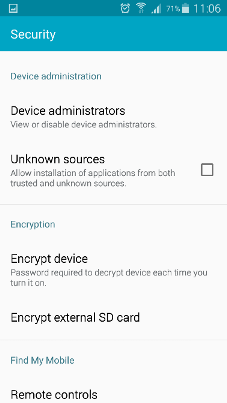
Check the "Unknown sources" checkbox to allow the app to install.
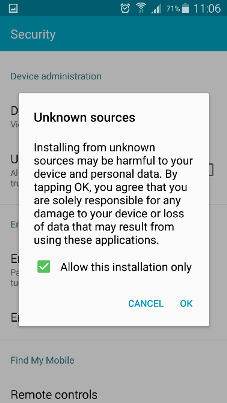
Click the "OK" button
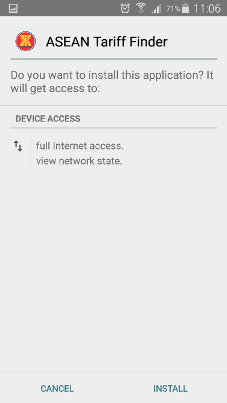
Click the "INSTALL" button
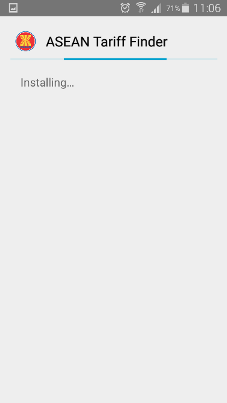
App installing
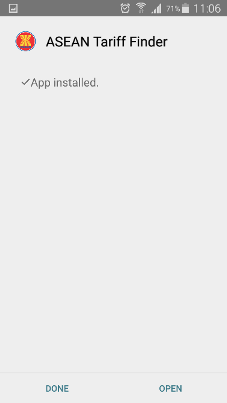
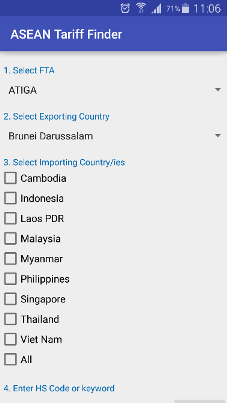
Once installation is done, you can click "DONE" or "OPEN"